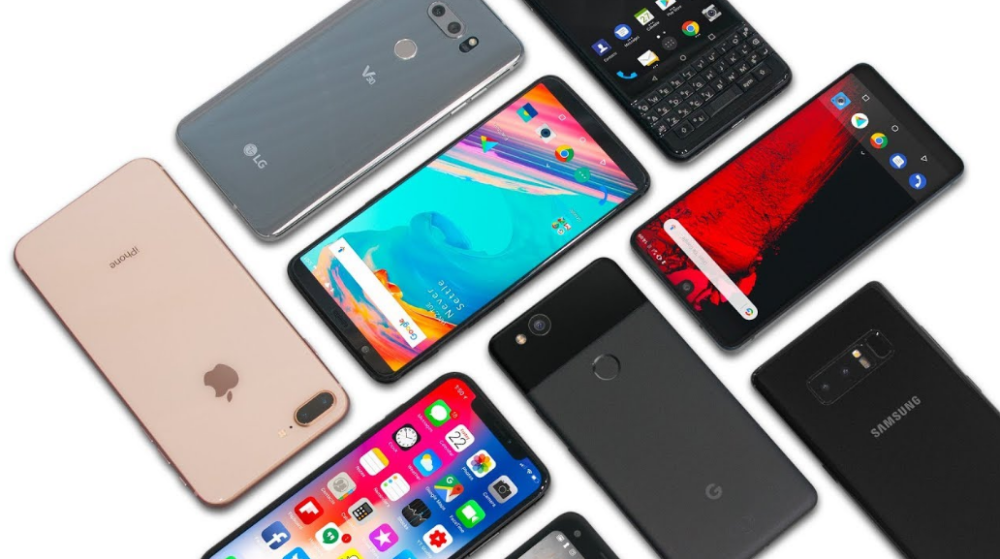
Deciding what phone to get can be a daunting and time-consuming task for most. While fans simply go for the latest model of their favorite brands, plenty of others go for used phones for their affordability. Phone prices are skyrocketing these days and not everyone has a budget to go for the latest Galaxy Note or iPhone device as soon as it comes out.
However, while used phones are indeed cost-effective, they do come with risks of their own. There are plenty of scammers out there that will try to sell a copy of a genuine phone or will conceal serious defects to get people to buy their device. Even if it is not a scam, a genuine used phone can still have issues that an inexperienced buyer might overlook.
For that reason, we have put together a list of steps that can help you buy a used phone without the risk of hidden problems.
Research the Phone

Always go for a deep dive on the internet to research the phone you’re looking to buy. Read all the detailed specifications, watch multiple reviews on YouTube, research user feedback, and most importantly, find out the market price of the phone through online and local stores.
Doing this gives a good idea of what price and performance to expect from a used model. Once a good deal is spotted, bringing someone well informed with phones and tech is a good idea. Having a second opinion from someone knowledgeable will likely help you avoid a bad purchase.
This is highly recommended if you’re not experienced in this regard and have never purchased a used phone before.
Inspecting the Phone
The first source of information will, of course, be the seller. A few standard and straightforward questions could be:
- How long the phone has been in use?
- How well it is performing in day to day tasks?
- Is there a specific reason why the device is being sold?
- Has it at any point in the past been repaired?
- Does the seller know of any problems the phone might have?
The seller may or may not be straightforward about the device, so taking their word with a grain of salt is advisable. But at the very least, it will give you an overview of the device to some extent. But going into the specifics and checking the phone’s condition is, by all means, the buyer’s responsibility.
The Body

Minor scuffs and scratches are normal with phones used for over a year, but significant structural damage like cracks or dents that might hinder the phone’s functionality is a complete deal-breaker. Thoroughly inspect the phone’s front and back for any substantial damage, if the seller used a protector or case, that is a good indication that the phone was taken care of.
Try the physical buttons and the SIM tray to check that they function normally. If the phone has a fingerprint sensor, make sure it is working properly and doesn’t take too long to unlock the device.
Inspect all the edges and corners of the back panel for any abnormalities or unusual gaps to see if the phone has ever been disassembled.
Ports, Speakers, and Microphone

Plug a pair of headphones into the headphone jack and play music at different volumes to test whether the audio output is normal. Remove the headphones and play audio through the speakers and earpiece and repeat the same process.
To test the charging port, plug in a charging cable and move the plugged wire at different angles to see if it keeps charging the device, as older or roughly handled phones have loose charging ports. Install a voice recorder app and test the microphone as well.
Display and Touch

Coming over to the display, check the touch response and make sure it doesn’t have any “dead spots”. Put the brightness to max and check whether there are any unusual colors or uneven lighting on the screen (called light bleeding).
Camera and Flash
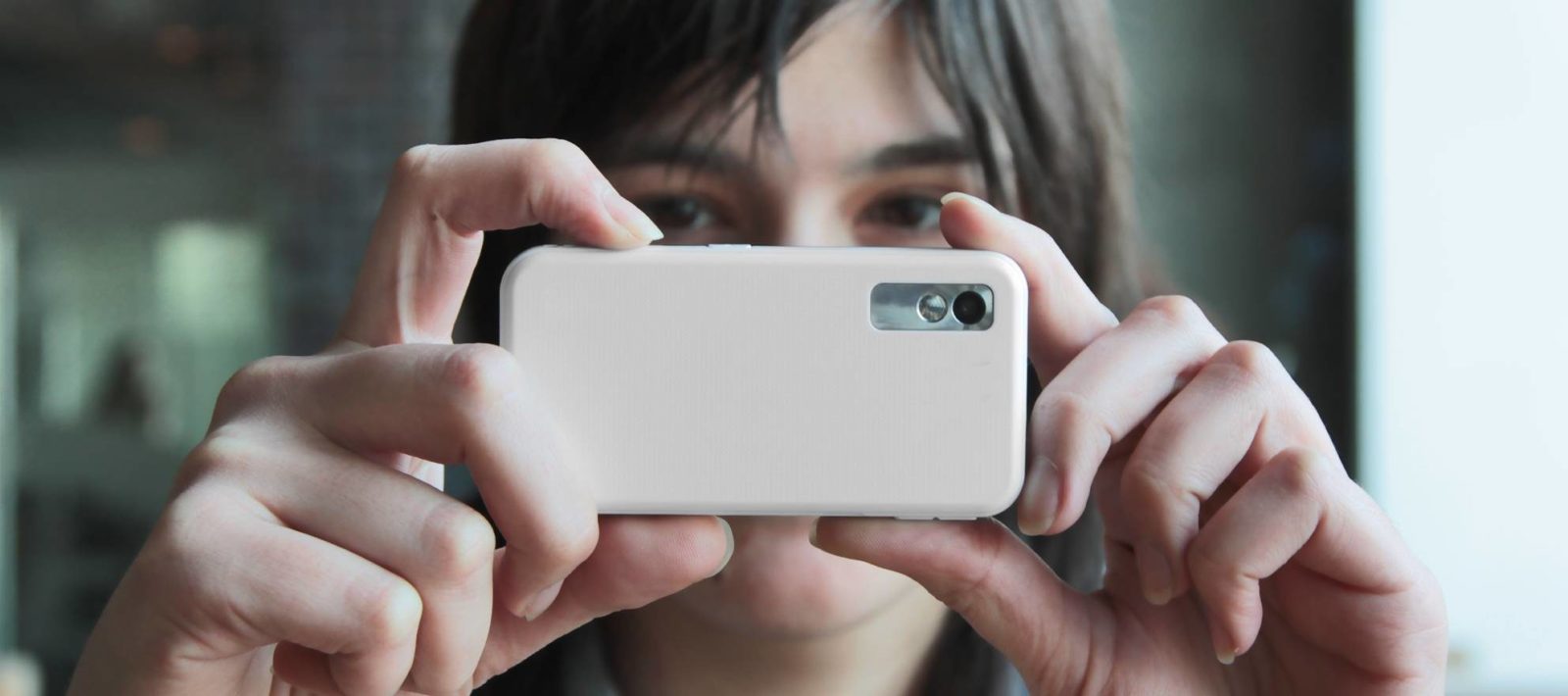
Launch the camera app and take a few photos and record clips through both the cameras at the front and back. Check whether the image quality is as expected and if the LED flash is working fine. If the phone has difficulty focusing or exposing properly, it may have a faulty lens.
Doctor Apps
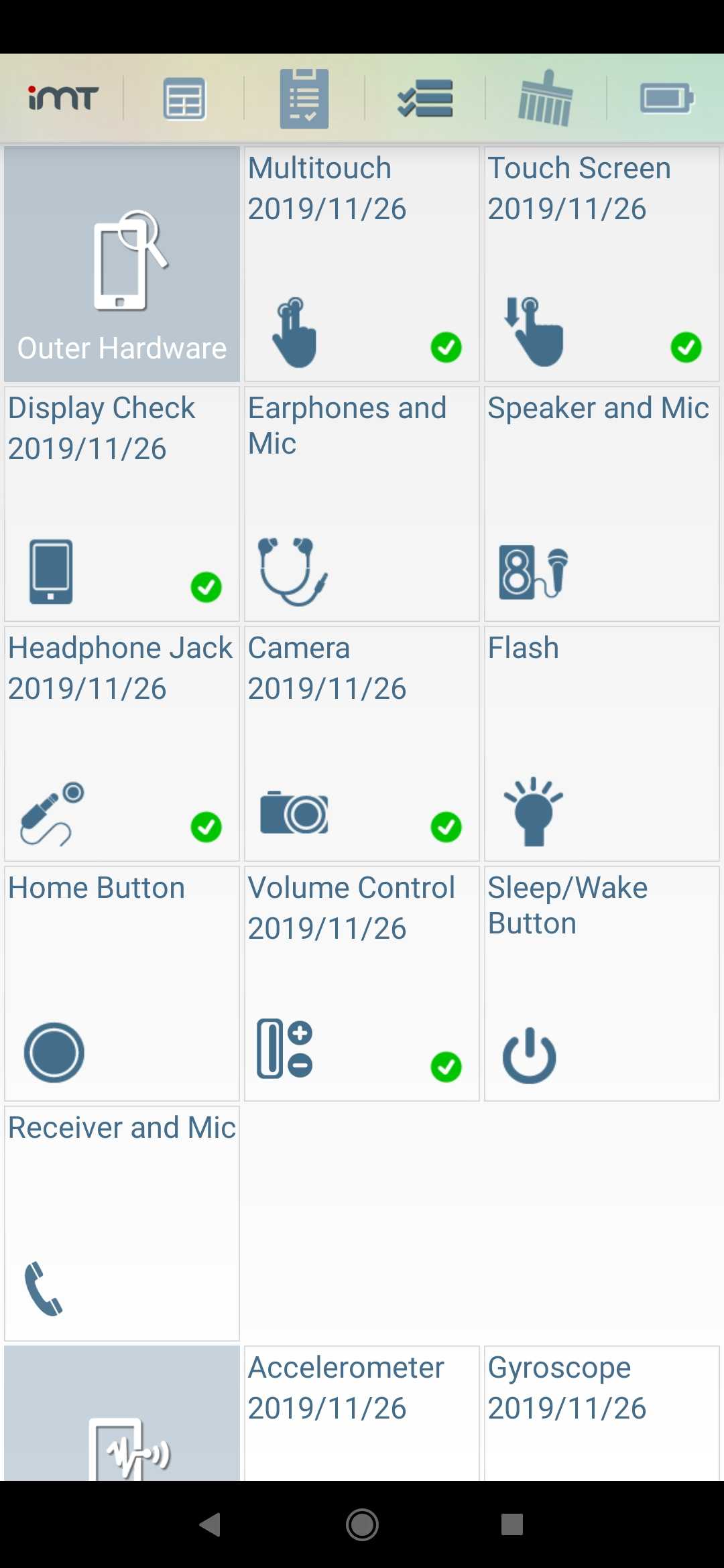
There are several apps available online that help check the phone’s condition in detail. Apps like Phone Doctor Plus will run a series of tests on the device to see if everything including outer/inner hardware, sensors, and wireless connectivity is in good health. Apps like this are highly recommended as they make the whole process seamless and hassle-free.
PTA Verification
Before handing over the money, make sure the phone is a PTA compliant device or else it is will not work properly. To check whether the phone is registered with PTA, submit the phone’s IMEI number at PTA’s website. It is a 15 digit number that can be found in the phone’s settings under “About Phone” or on the phone’s original box.
This can also be done through SMS by sending the IMEI number of the device to 8484.
Did you find these tips helpful? Do you have useful tips to share? Sound off in the comments.