Close Menu
    Facebook X (Twitter) Instagram
    Tech Chacho
    • News
    • Mobile
    • Gadgets
    • Enterprise
    • Security
    • Reviews
    • Startups
    • How To’s
    • More
      • Fintech
      • Education
      • Cryptocurrency
    Facebook X (Twitter) Instagram
    Tech Chacho
    Home » Google Shares Temporary Solution to Avoid Random Data Deletion
    Google Shares Temporary Solution to Avoid Random Data Deletion
    Google

    Google Shares Temporary Solution to Avoid Random Data Deletion

    November 29, 2023No Comments2 Mins Read
    Share
    Facebook Twitter LinkedIn Pinterest Email

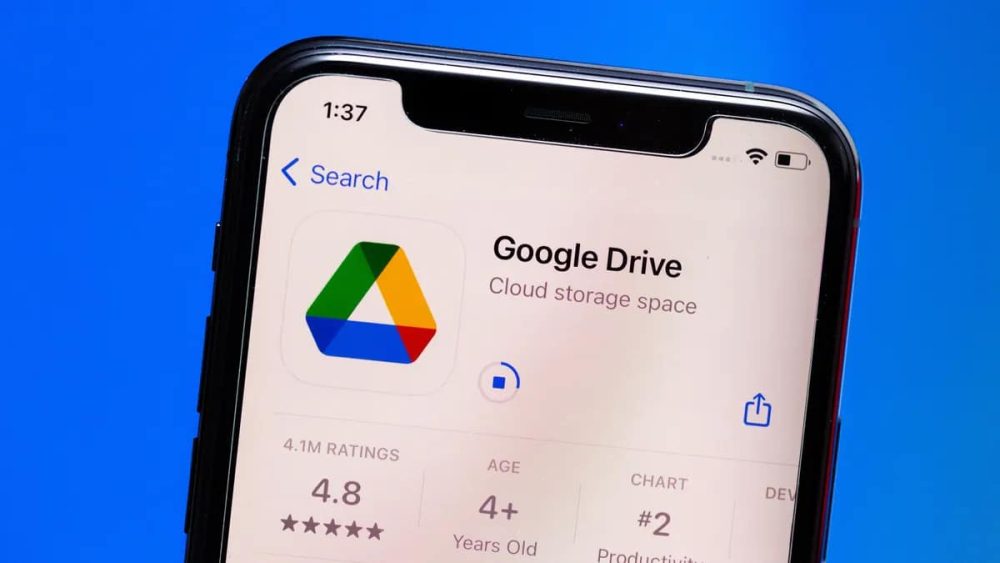
    Some Google Drive users randomly started losing their data over the past week despite being days away from the global deletion date. Google is yet to explain why this is happening and there is no permanent fix either, but at least the company has publicly acknowledged the issue.

    Google has announced that it is aware of the problem and is currently looking into it. The search engine giant adds that the issue appears to be limited to the desktop app for Google Drive, meaning iOS and Android users may still be safe.

    Google adds that this mysterious issue has only affected a limited number of users and has also shared a temporary solution to avoid getting your data deleted out of nowhere. Here is what the company suggested:

    • Do not click “Disconnect account” within Drive for desktop.
    • Do not delete or move the app data folder:
      • Windows: %USERPROFILE%\AppData\Local\Google\DriveFS
      • macOS: ~/Library/Application Support/Google/DriveFS
    • Optional: If you have room on your hard drive, we recommend making a copy of the app data folder.

    As mentioned earlier, Google is still investigating the issue, so there is no permanent solution as of yet. It is also unclear whether all the users who have lost their Drive data will be able to get it back, even once the root cause is identified. Nevertheless, Google says that it should have an update on the matter soon.

    Losing precious data can be extremely frustrating, especially if you have years worth of backups saved. We recommend making a copy of the app data folder on a hard drive, as Google suggests, especially with all the uncertainty about Drive data.

    google Google Data Deletion Google Drive
    Share. Facebook Twitter Pinterest LinkedIn Tumblr Email

    Related Posts

    Empowering Pakistani Youth to Unlock Global Opportunities

    February 28, 2024

    Ignite Launches Venture Capital Mechanism Through Pakistan Startup Fund

    February 28, 2024

    Pakistani IT Delegation Shines At Web Summit Qatar 2024

    February 27, 2024
    Ad

    Samsung Galaxy Z Fold 6 Appears in Renders Again With No S-Pen Slot

    February 28, 2024

    ProPakistani Unveils Tecno Innovations at MWC 2024: A Glimpse into the Future of Technology

    February 28, 2024

    University of Management and Technology Hit by a Massive Hacker Attack

    February 28, 2024

    PTCL Group Announces Shoq TV Box Powered by Android TV at Mobile World Congress

    February 28, 2024

    All You Need to Know About Stylish and Feature-Packed vivo Y17s Diamond Orange Edition

    February 28, 2024

    HMD Teases Its First Self Branded Phones Instead of Nokia

    February 28, 2024

    Subscribe to Updates

    Get the latest creative news from FooBar about art, design and business.

    • Facebook
    • Twitter
    • Instagram
    • YouTube
    Mobile

    Samsung Galaxy Z Fold 6 Appears in Renders Again With No S-Pen Slot

    By QuartulainFebruary 28, 20240
    Mobile

    ProPakistani Unveils Tecno Innovations at MWC 2024: A Glimpse into the Future of Technology

    By QuartulainFebruary 28, 20240
    Facebook X (Twitter) Instagram YouTube
    • About
    • Terms Of Use
    • Privacy Policy
    • Disclaimer
    • Affiliate Disclaimer
    © 2026 Designed by Chunk Labs Hosted on Host Chacho.

    Type above and press Enter to search. Press Esc to cancel.

    Go to mobile version