Close Menu
    Facebook X (Twitter) Instagram
    Tech Chacho
    • News
    • Mobile
    • Gadgets
    • Enterprise
    • Security
    • Reviews
    • Startups
    • How To’s
    • More
      • Fintech
      • Education
      • Cryptocurrency
    Facebook X (Twitter) Instagram
    Tech Chacho
    Home » Android 13 Will Copy Samsung’s Key Feature
    Android 13 Will Copy Samsung’s Key Feature
    Google

    Android 13 Will Copy Samsung’s Key Feature

    March 4, 2022No Comments2 Mins Read
    Share
    Facebook Twitter LinkedIn Pinterest Email

    While Googledoes allow a lot of customization to Android users, there are still some features that they still don’t have access to. For instance, Android users still don’t get the option to adjust the brightness of the flashlight, which is a basic yet useful feature that Apple had offered to iPhone users long ago.

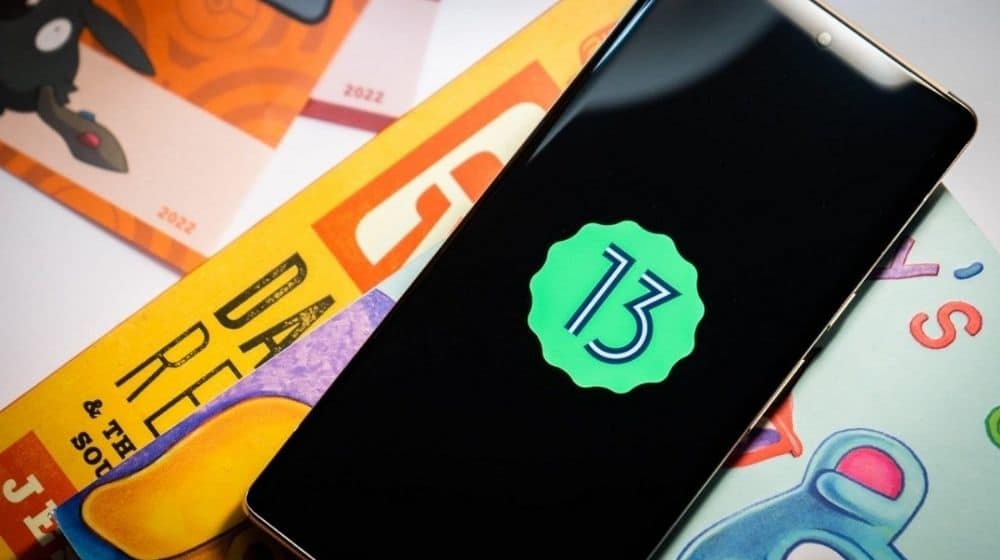
    Earlier, we learned that the upcoming Android 13 will be codenamed Tiramasu and will feature some new themes as well as a built-in QR code scanner, among other features. Now, recently, a famous analyst has revealed that the next-gen Android 13 will also include an update that has been long due, the brightness control feature.

    Android 13 Will Copy Samsung’s Key Feature

    Google might be adding a brightness control feature for the camera flash, which will let you adjust its brightness while using it as a torch. This feature is already present in iOS devices and even Samsung offers it in their One UI overlay.

    However, the feature will be limited to only some of the Android devices as it will require an update to the camera hardware. Additionally, smartphones with support for maximum brightness levels will have a more granular level of control.

    The report further stated that the Android 13’s system-level torch light intensity option would likely debut on upcoming Pixel smartphones, which might launch at this year’s Google’s I/O. After which, it will eventually be made available to smartphone makers that don’t already offer this feature in their respective interfaces.

    Available on Samsung Phones

    Hence, it appears that a lot of Android users might have to wait a while even after the launch of Android 13 to be able to get their hands on this update. However, if you are a Samsung user, then you don’t need to wait for Android 13’s launch. You can simply swipe down on the screen to access your Quick Settings and tap on the Torch icon to activate the flashlight. After this, tap on the Torch text, which is visible just below the flashlight icon. And there you have it, you will now be able to adjust the torch brightness from level 1 to level 5.

    Share. Facebook Twitter Pinterest LinkedIn Tumblr Email

    Related Posts

    Google to Fight Against Hackers Under New AI Cyber Defense Initiative

    February 17, 2024

    Google Messages Will Let You Edit Your Texts Soon

    February 17, 2024

    Google Gemini AI App Rolls Out to More Countries

    February 13, 2024
    Ad

    Samsung Galaxy Z Fold 6 Appears in Renders Again With No S-Pen Slot

    February 28, 2024

    ProPakistani Unveils Tecno Innovations at MWC 2024: A Glimpse into the Future of Technology

    February 28, 2024

    University of Management and Technology Hit by a Massive Hacker Attack

    February 28, 2024

    PTCL Group Announces Shoq TV Box Powered by Android TV at Mobile World Congress

    February 28, 2024

    All You Need to Know About Stylish and Feature-Packed vivo Y17s Diamond Orange Edition

    February 28, 2024

    HMD Teases Its First Self Branded Phones Instead of Nokia

    February 28, 2024

    Subscribe to Updates

    Get the latest creative news from FooBar about art, design and business.

    • Facebook
    • Twitter
    • Instagram
    • YouTube
    Mobile

    Samsung Galaxy Z Fold 6 Appears in Renders Again With No S-Pen Slot

    By QuartulainFebruary 28, 20240
    Mobile

    ProPakistani Unveils Tecno Innovations at MWC 2024: A Glimpse into the Future of Technology

    By QuartulainFebruary 28, 20240
    Facebook X (Twitter) Instagram YouTube
    • About
    • Terms Of Use
    • Privacy Policy
    • Disclaimer
    • Affiliate Disclaimer
    © 2026 Designed by Chunk Labs Hosted on Host Chacho.

    Type above and press Enter to search. Press Esc to cancel.

    Go to mobile version