
Our online activity is almost always being tracked on the internet. Websites use tools such as cookies, device and location logging, pop up ads, deceptive share buttons, and much more to track web browsing activity.
Social media giants and online advertising companies are often guilty of using these methods to spy on user activity and make a profit through targeted ads.
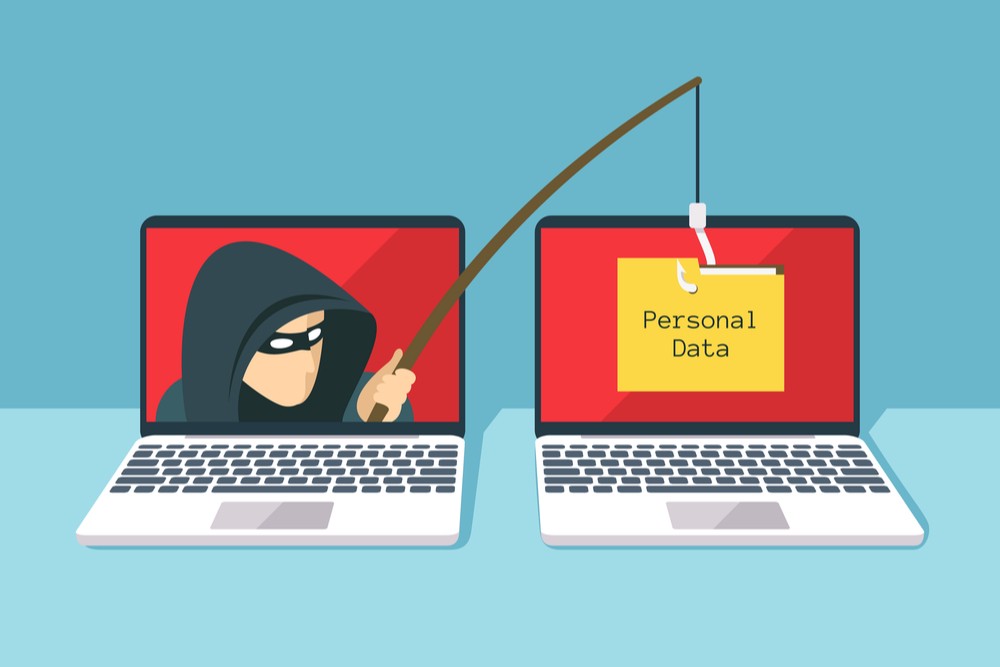
This tracking has become so prevalent that almost every user is aware of it by now. A majority of people don’t know how to stop these websites from tracking them.
It is commonly believed that incognito mode in browsers will protect users from being tracked since it opens up a private window that blocks third-party cookies and doesn’t save any data.
The truth is that “Incognito Mode” or “Private Browsing” only provide a false sense of security. They only block a few traces of online activity saved on the computer and not on the web. Simply switching to Incognito Mode does not mean that websites like Google and Facebook won’t be able to track you.
Fortunately, there are ways to stop them. Here are a few methods to limit web tracking.
VPN
A virtual private network (VPN) ensures online privacy and anonymity by creating a private network on a public internet connection. As soon as a VPN is turned on, your initial IP address is replaced by a different one. For example, if a user is from Karachi, the VPN can make it appear as if they are from London or some other location.
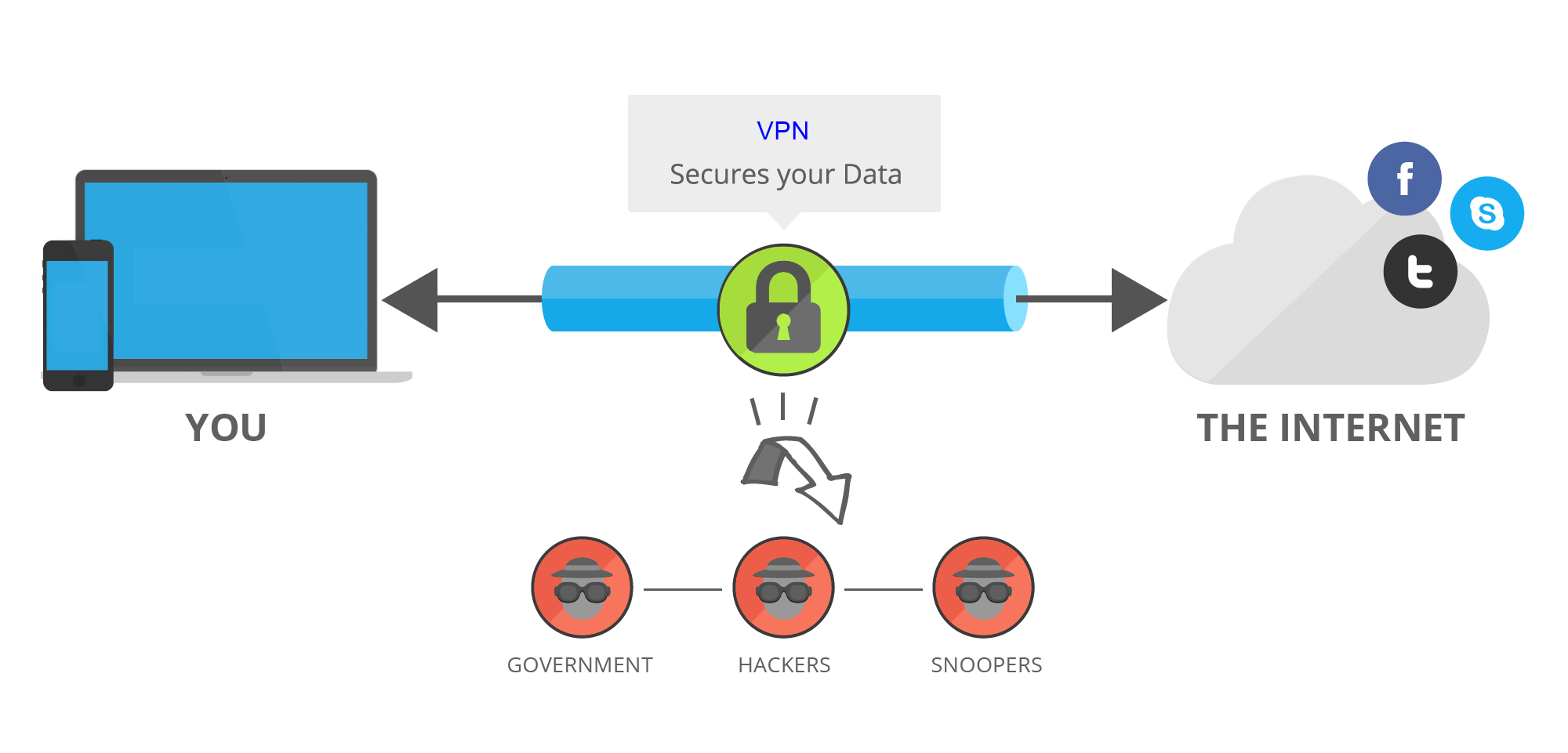
Not only does this method conceal your actual IP address, but it also masks your location, helps encrypt data transfer over public connections, and also grants access to restricted websites that may be blocked due to one reason or another.
However, while your ISP may no longer have access to your browsing data, the VPN provider may still be able to access it.
There are some VPN services that claim to not save your personal data, but we can’t know for sure. Some VPNs are not as good as others and users are recommended to go for reliables names such as PIA (Private Internet Access).
Proxies
Proxy servers act as intermediaries, working as gateways between the user and the internet. Think of it as a manually enabled VPN. Just like VPNs, Proxies also allow users to change their IP address and make it appear as if they’re from a different country.
However, keep in mind that all proxies are not equal. Most of them don’t provide basic encryption and you should do your research before setting up a proxy address. Some trustworthy names include Hide.me, 4everproxy, and Whoer.
HTTP vs HTTPS
HTTP stands for Hypertext Transfer Protocol. It can be seen in the URL bar of any browser in front of the domain name and it tells browsers to connect over HTTP. It is simply a method of communication on the internet.
HTTPS is an abbreviation for Hypertext Transfer Protocol Secure and is essentially the same thing as HTTP, but it works in conjunction with another protocol called Secure Sockets Layer (SSL). It transports data safely over an encrypted connection, unlike HTTP.
All sensitive data such as credit card numbers are encrypted on HTTPS, giving hackers a hard time to intercept and steal that information. It also protects traffic on mobile devices, which is very important as more and more users are now using mobile devices to surf the internet and make purchases.
Make sure that the websites you visit are secured via HTTPS as it’s safer and more secure. Other than that, your browser may warn you if a website’s SSL certificate has expired. Avoid visiting these websites as well.
Browser Bifurcation
Browser bifurcation is a technique that is starting to gain popularity for its benefits against unwanted tracking. It involves separating online activity to two different browsers, limiting your usage to specific browsers.
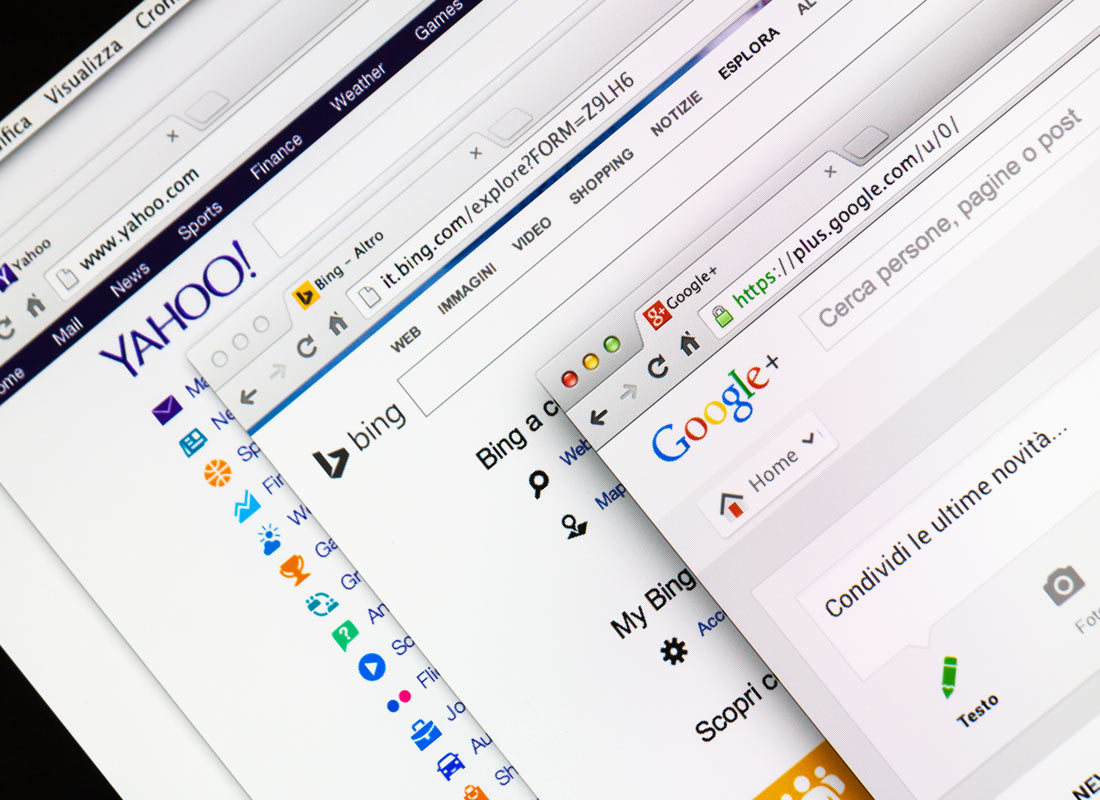
For example, one browser can be used for social media, banking, or online shopping. It will be strictly limited to this activity and will not be used for random internet queries or browsing. This can be called the “accounts” browsers to keep it simple.
The second browser will be used to access all of the other websites for queries and random browsing. Likewise, it will also be limited to this type of activity and won’t be used for social media, for example. This one can be named the “surfing” browser.
The reason this works is that internet browsers are walled off against each other and will never share data between themselves.
Hence, if websites like Google or Facebook place a tracker on your “accounts” browser, this tracker will only be limited to it, letting you surf the web in relative safety on your other browser.
Avoid Public WiFi
The biggest threat in public WiFi networks usually found in coffee shops, restaurants, etc is that hackers can easily position themselves between users and the internet connection. This leaves the device vulnerable to a variety of security hazards including the man in the middle attacks, malware injections, unwanted snooping, etc.
Staying clear of public WiFi is highly recommended, but if you really need one, using VPN, HTTPS protocols, and proxies is a good idea.
Safe Browsers and Extensions
Browsers with a variety of privacy features are recommended such as Microsoft Edge, Mozilla Firefox, Brave, and Safari for Mac users. Steering clear of Chrome is a good idea as it is made by Google, a company whose sole purpose is to look into every single thing you do online.
Tor Browser stands out when it comes to protecting privacy and anonymity and is much safer than other browsers. Ordinary browsers send a user’s data directly to the website they’re trying to access, whereas Tor Browser will send it through a number of randomly assigned nodes first before finally sending it to the website.
Additionally, a Tor user’s data packets will also be wrapped in layers of packets for extra protection.
It’s generally a good idea to not let any browser access your location. You can manually disable location tracking by going to the browser’s settings (usually located on the top left or top right) and confirming that it’s turned off.

Adblocking extensions liked Adblock or uBlock are adept tools against ad tracking and malware. “HTTPS Everywhere” can make it hard for ISPs to track personal information by forcing websites to load an encrypted version of themselves. “CookieAutoDelete” makes sure that all tracking cookies downloaded by a browser are deleted the next time that browser loads up.
Applying all these measures can greatly reduce the chances of being tracked online.
Did you find these tips helpful? Do you have useful tips to share? Sound off in the comments.